 North Star Gate
 Treo
TreoMarkdown & text · iPhone & iPad
Open a file. Give your words room.
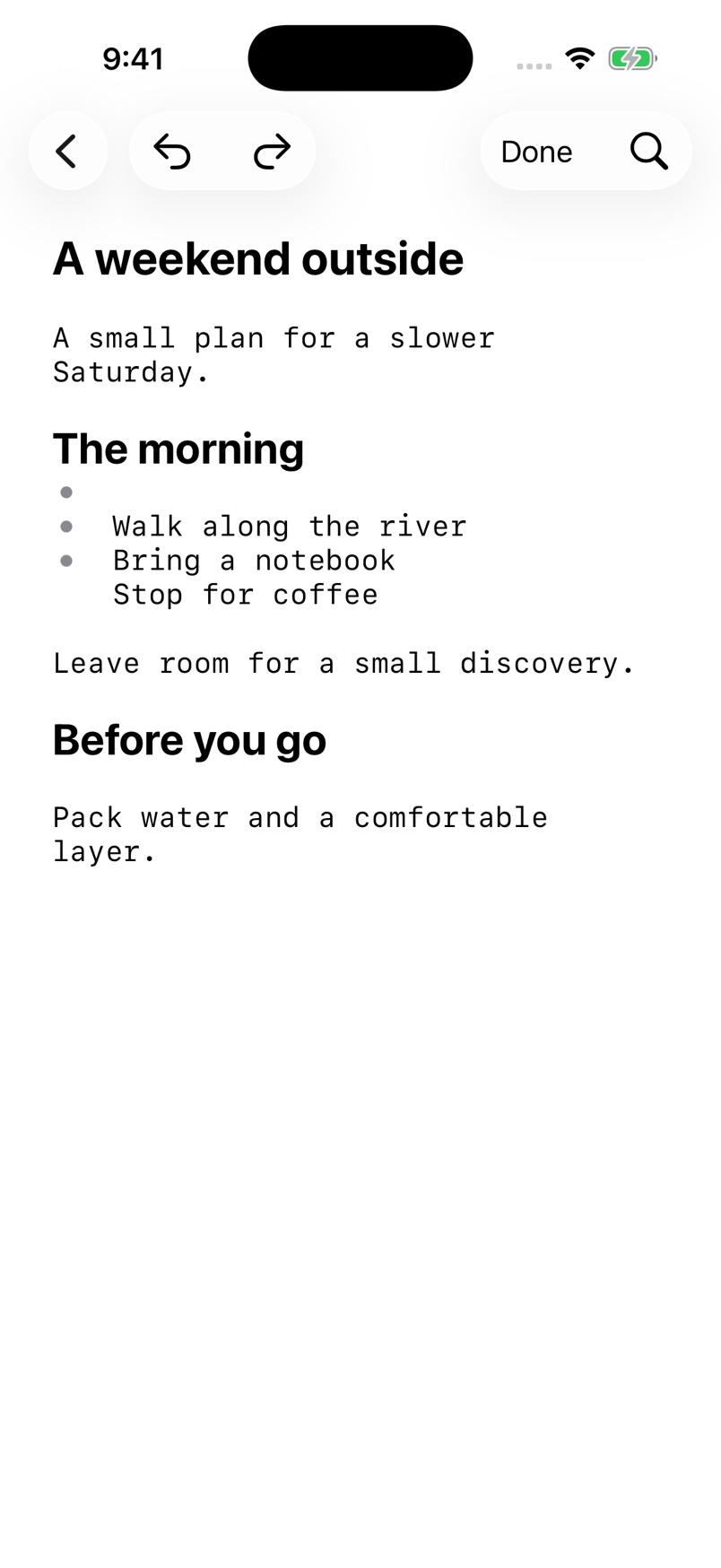
Read and edit Markdown and text files from Files. Move between source and preview, adjust your reading view, and share the document when it is ready.

A closer look
A file-based Markdown and text editor with preview, search, and optional Syncthing connections.
Work with your files
Browse for an existing document or create a new Markdown file and start writing.
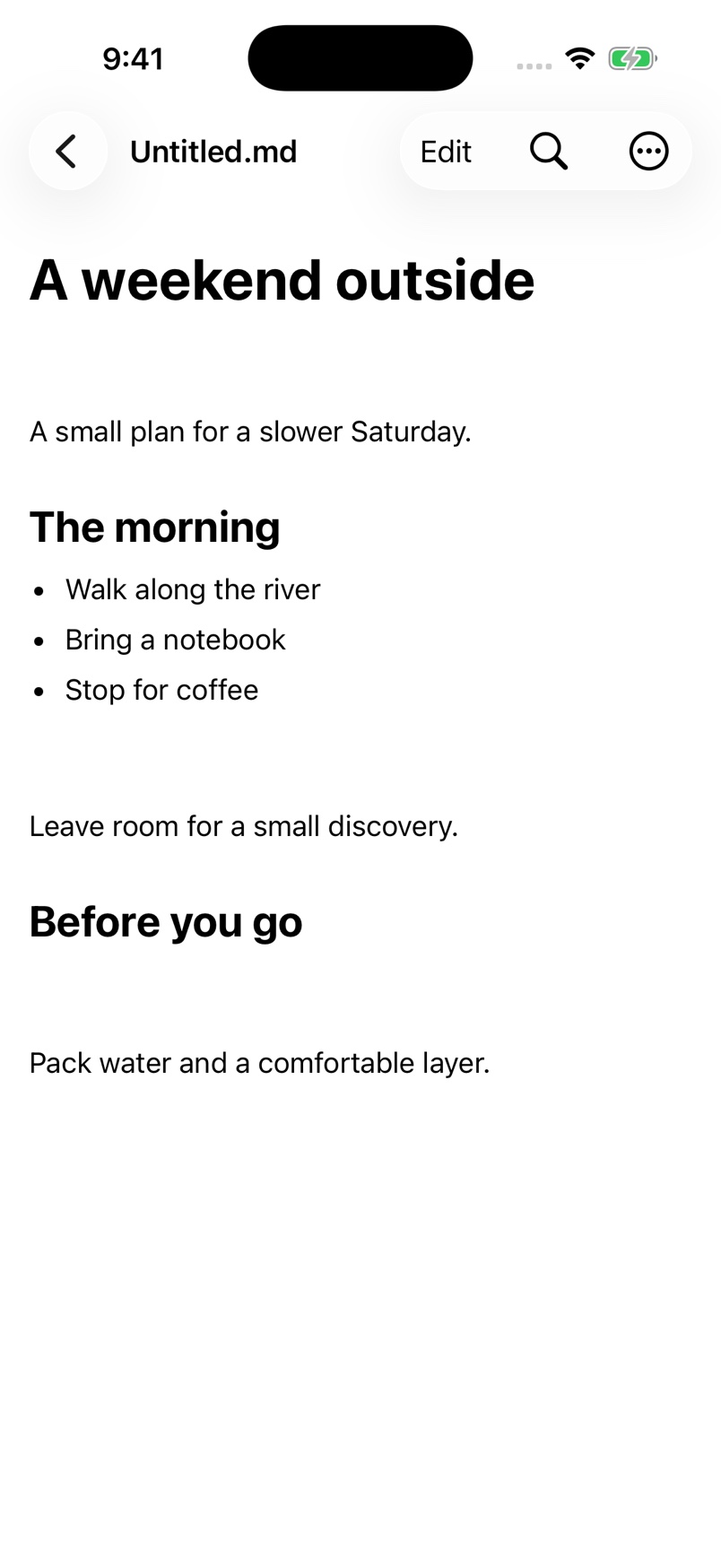
See the result as you edit
Return from the editor to the preview to check formatting, or update a task checkbox directly in Markdown preview.
Set your reading view
Choose a light, dark, or system theme and adjust preview and editor font sizes separately.
See it in the app
Simulator capture with sample content.
Keep the manual close
Start with a short first-use guide, then return to individual tasks whenever you need them.