 North Star Gate
 Crown Jewel
Personal collections · iPhone & iPad
Keep the things. Remember their stories.
Give your collection a place for photos, details, and the story behind each object. Organize it in folders and record the fields that matter to you.

A closer look
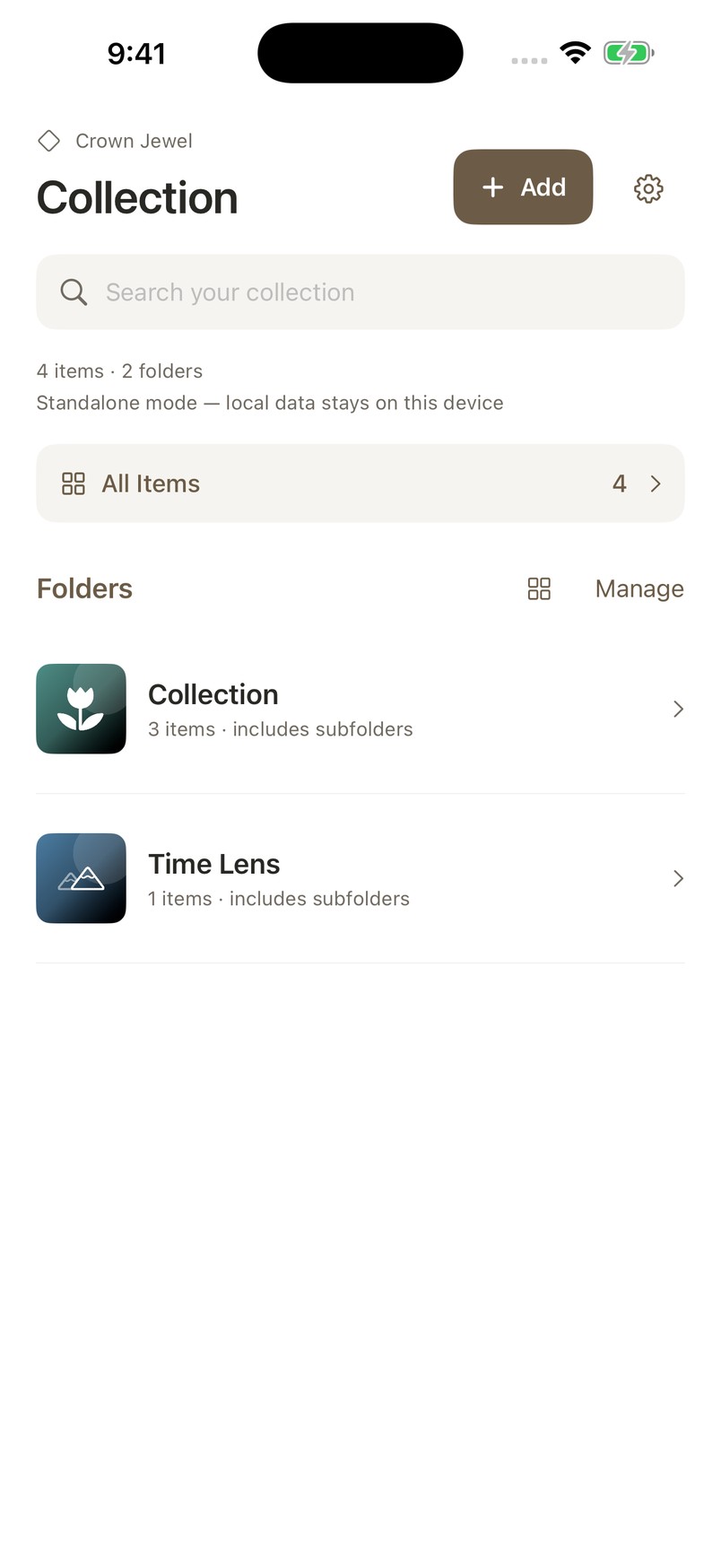
A collection catalog with folders, custom templates, item photos, and Time Lens.
Details that fit the collection
Create reusable field templates for different kinds of objects and assign them to folders.
Recognize each piece at a glance
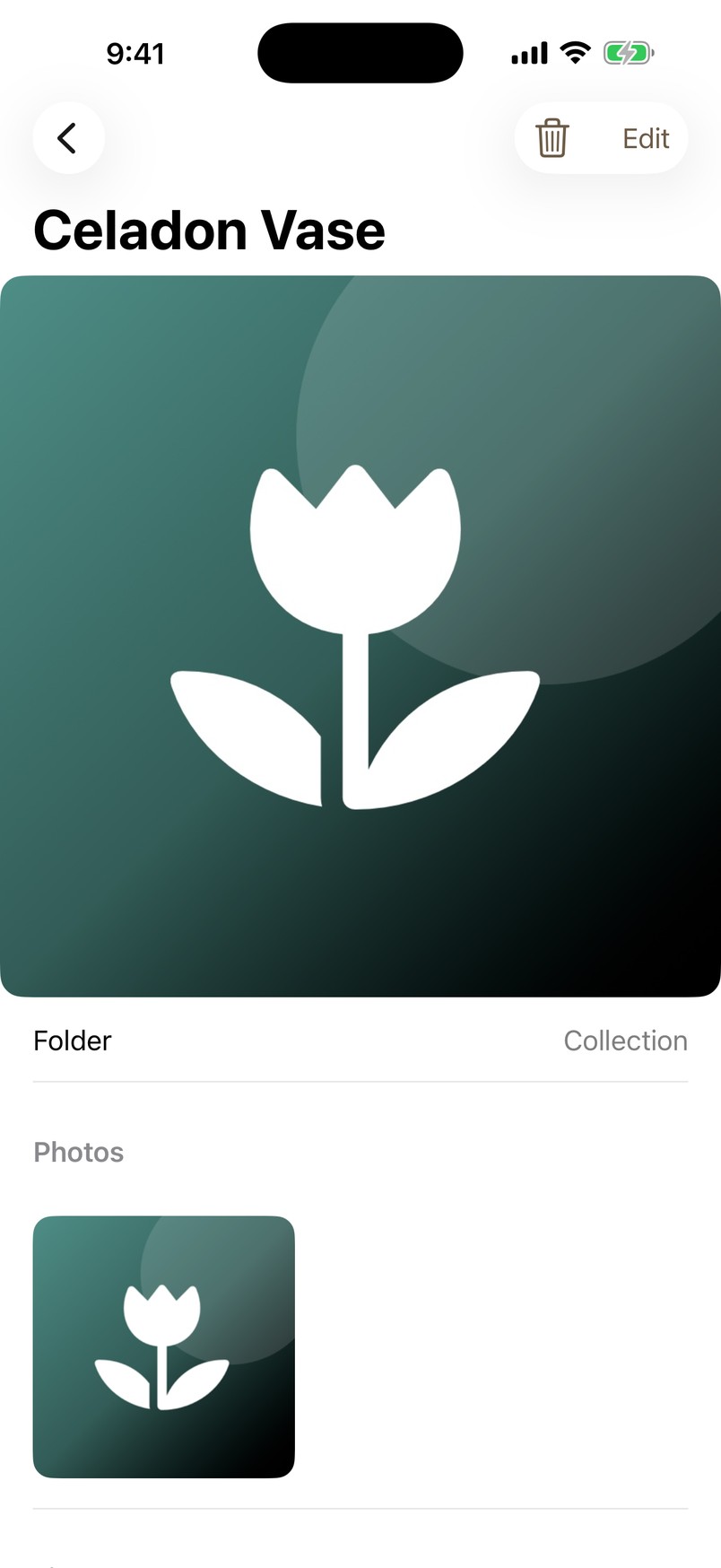
Keep item photos together and choose a cover image for browsing your collection.
Follow change through pictures
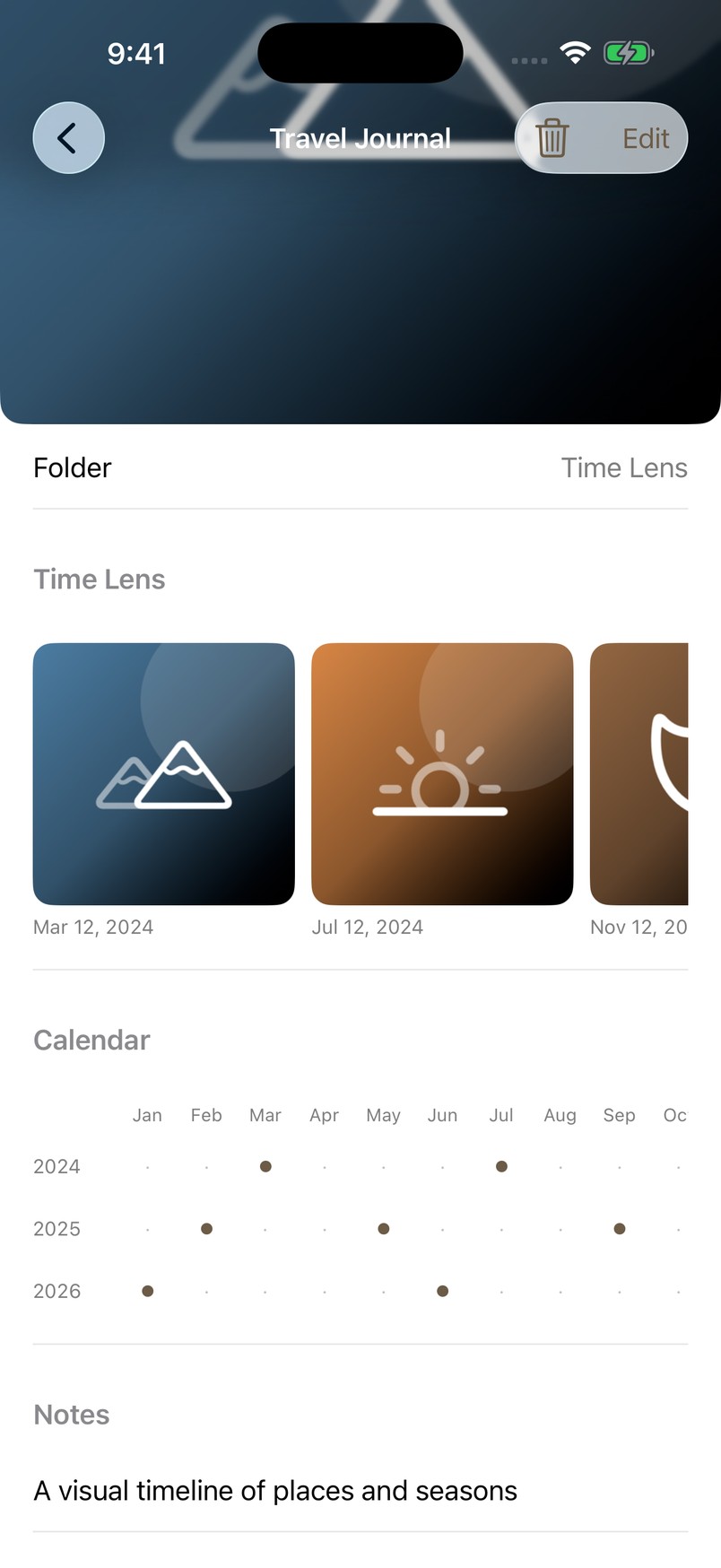
Time Lens organizes dated pictures with a calendar so you can revisit an item over time.
See it in the app
Simulator capture with sample content.
Keep the manual close
Start with a short first-use guide, then return to individual tasks whenever you need them.