 North Star Gate
 Otus
OtusRSS & reading · iPhone & iPad
Keep up with the sources you choose.
Bring your feeds into one reading list. Group sources, save useful articles, and choose the reading view that works for each publisher.
App Store link will be added when available.
A closer look
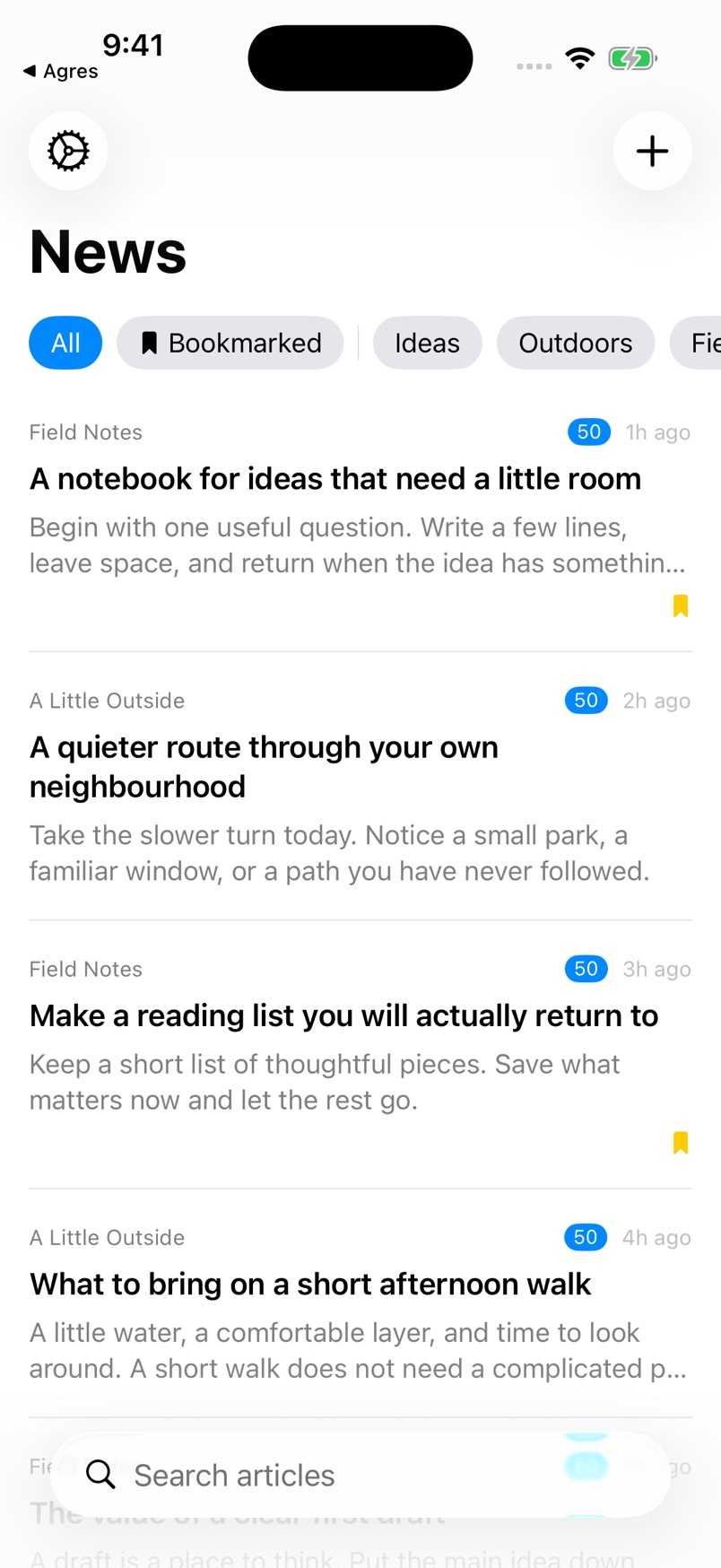
An RSS reader with categories, bookmarks, reading modes, and local article ranking.
Start with a website
Add a website or RSS address and choose from discovered feeds when available.
Read in the form that fits
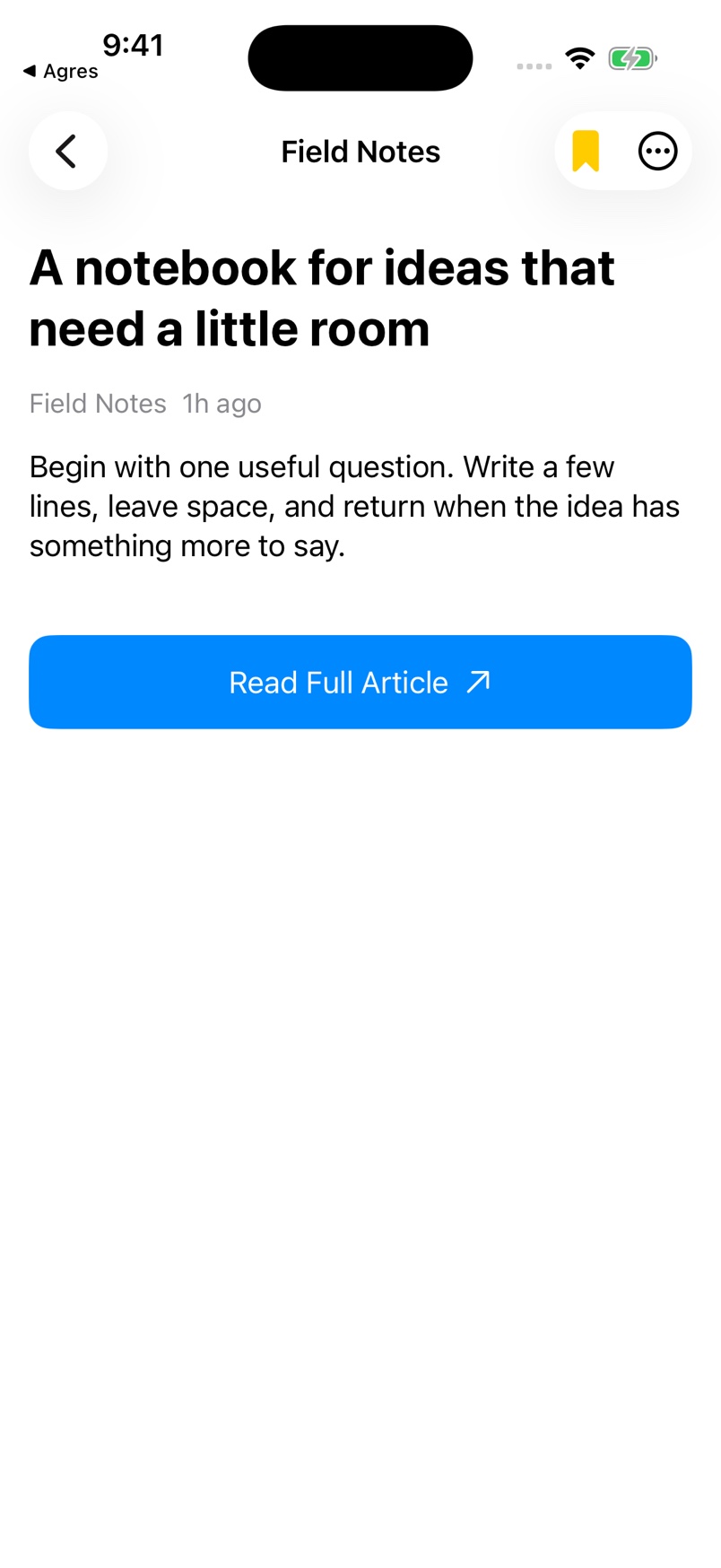
Switch between the feed description, extracted content, Reader Mode, and the original page.
Keep the useful pieces
Bookmark articles and organize feeds by category. Your reading interactions adjust ranking on the device.
See it in the app
Simulator capture with sample content.
Keep the manual close
Start with a short first-use guide, then return to individual tasks whenever you need them.